How to Build a Robust Data Analytics Pipeline in Salesforce and Dynamics for Mid-Sized Enterprises
February 02
CRM Configuration
Salesforce
Blogs

Data is at the heart of effective decision-making for mid-sized enterprises, but making sense of the wealth of information stored across Salesforce and Microsoft Dynamics often proves challenging. As organizations pursue digital transformation, the need for a robust data analytics pipeline, one that bridges CRM and business intelligence and unlocks actionable insights, has become unavoidable. For Salesforce administrators, CRM consultants, and IT leaders, mastering this integration is essential for maximizing CRM ROI, optimizing sales and marketing performance, and supporting growth.
The Modern Data Analytics Challenge in CRM Environments
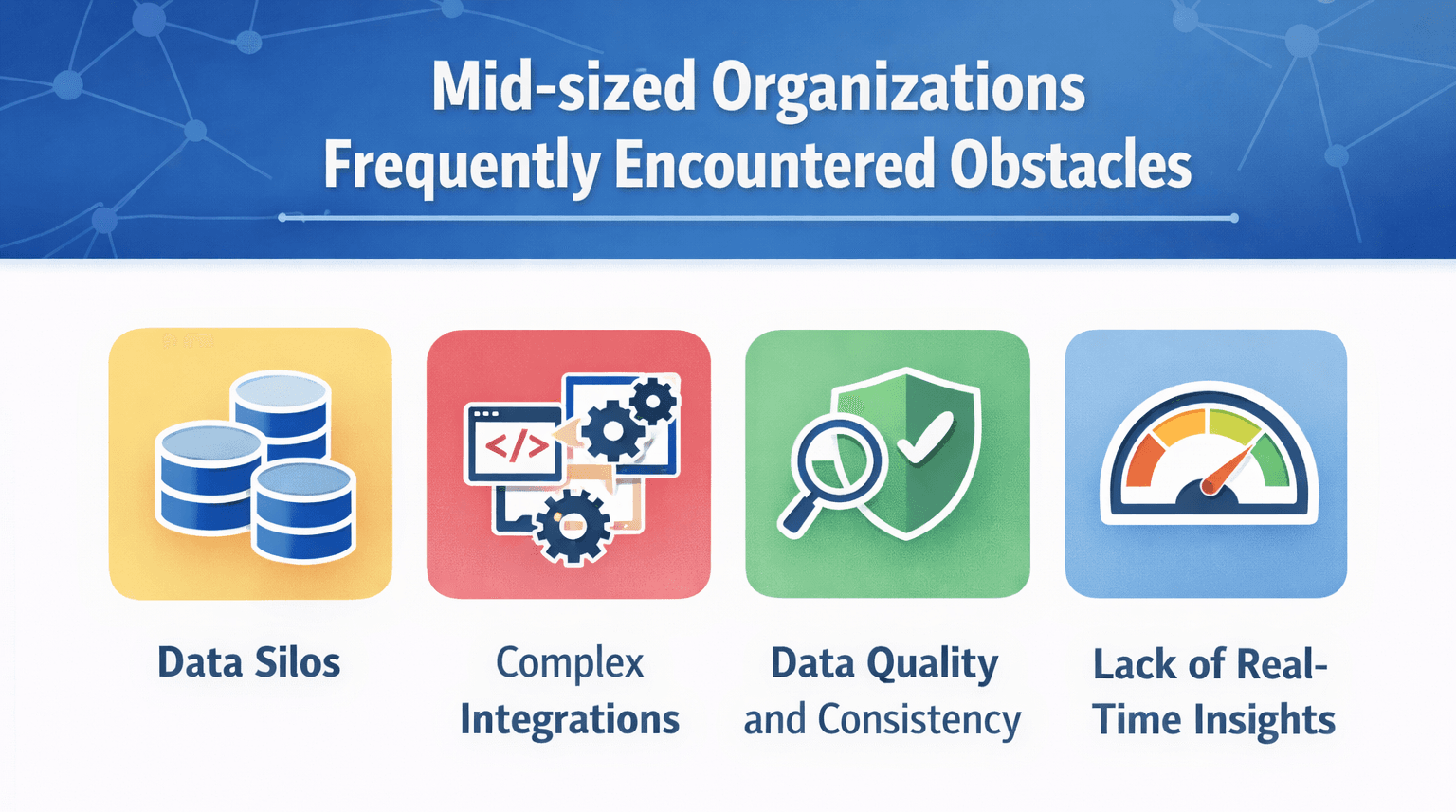
Mid-sized organizations frequently encounter several obstacles on their data analytics journey:
- Data Silos: Salesforce and Dynamics each store vast but separate reservoirs of customer and sales data, making unified analysis difficult.
- Complex Integrations: Seamlessly connecting cloud-based CRM platforms with analytics and visualization tools is often resource-intensive and costly without proper planning or expertise.
- Data Quality and Consistency: Migrating and synchronizing data across systems can introduce inaccuracies that erode trust and produce unreliable reports.
- Lack of Real-Time Insights: Delays in data sync and processing mean leaders may not have up-to-date analytics to inform decisions.
Core Strategies for Building a Robust Analytics Pipeline
Drawing from decades of direct implementation and managed service experience, we find that successful data analytics starts with a pragmatic, step-wise approach tailored for mid-sized businesses. Here’s how we design resilient pipelines for Salesforce and Dynamics:
1. Assess Current Data Landscape and Objectives
- Map the types, sources, and volume of data within Salesforce and Dynamics 365.
- Engage business leaders to clarify key analytics objectives and reporting needs.
- Diagnose pain points including slow reporting, data duplication, or lack of single source of truth.
2. Design Data Integration Architecture
Effective analytics demand seamless data flow between CRM, external sources, and BI tools:
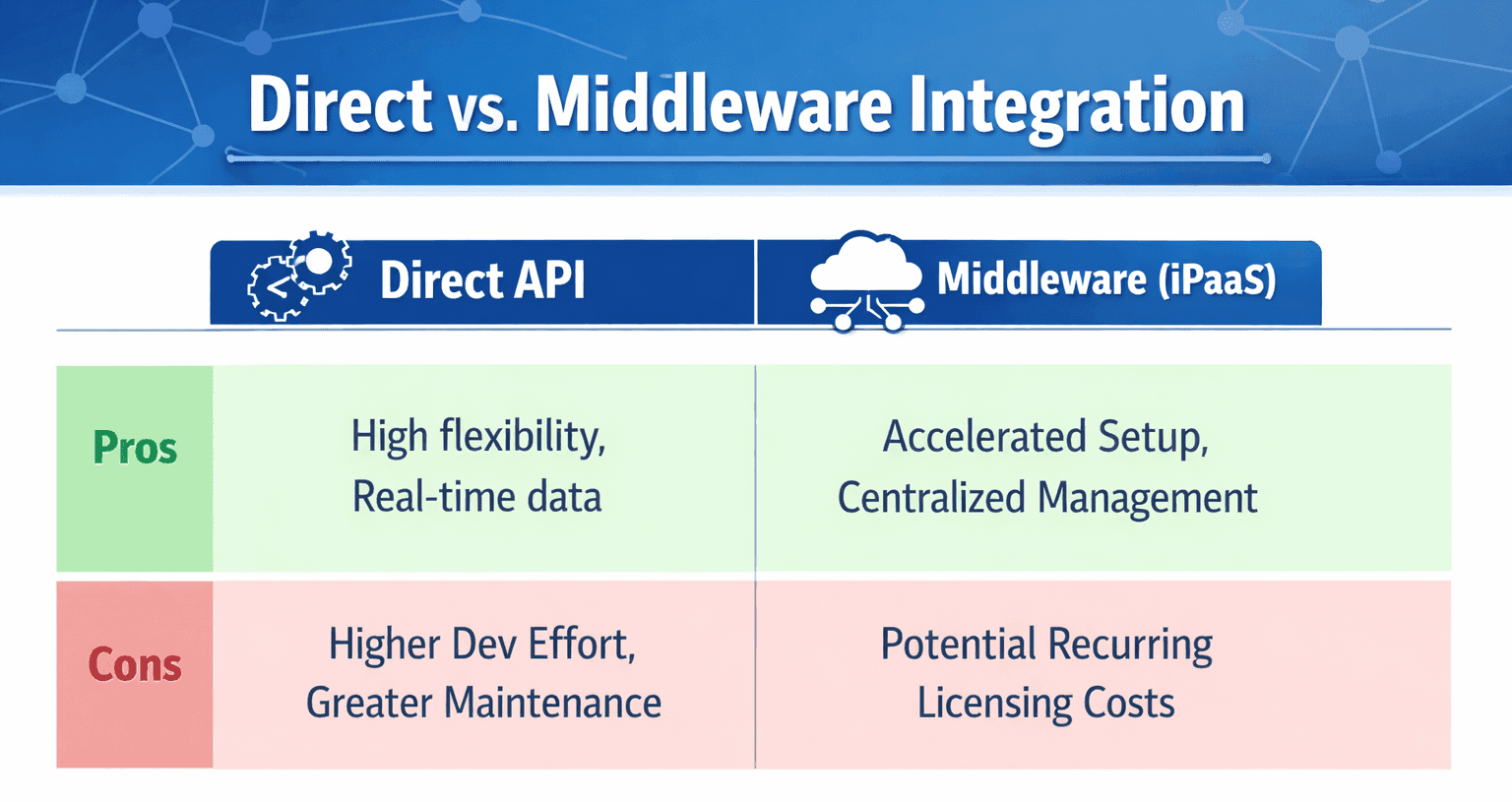
- Plan data connectors and middleware (such as solutions in the Microsoft or Salesforce ecosystem) that align with both your IT architecture and budget.
- Prioritize integrations that automate the extraction, transformation, and loading (ETL) of CRM data into a unified repository or warehouse.
3. Implement Data Governance and Quality Framework
- Standardize data formats, naming conventions, and validation rules at the source (Salesforce, Dynamics).
- Enforce deduplication and cleansing routines pre- and post-integration to ensure analytics accuracy.
- Define user access and data security protocols as part of CRM optimization.
4. Enable Business Intelligence and Visualization Tools
With a single trusted data source established, surface critical trends using BI platforms, dashboards, and AI-driven recommendations:
- Configure dashboards in Salesforce’s native analytics or integrate with tools such as Microsoft Power BI, ensuring KPIs are aligned to sales, marketing, and service goals.
- Leverage predictive analytics features for sales forecasting, customer churn detection, and campaign attribution.
- Use automated report scheduling and alerts to keep stakeholders informed in real time.
5. Establish an Iterative Improvement Cycle
- Continuously solicit user feedback to refine dashboards and reporting outputs.
- Monitor system performance and data latency regularly, tuning integrations for speed and reliability.
- Document lessons learned and evolve data policies as your CRM, analytics, and business needs mature.
Implementation Best Practices from OMI’s Experts
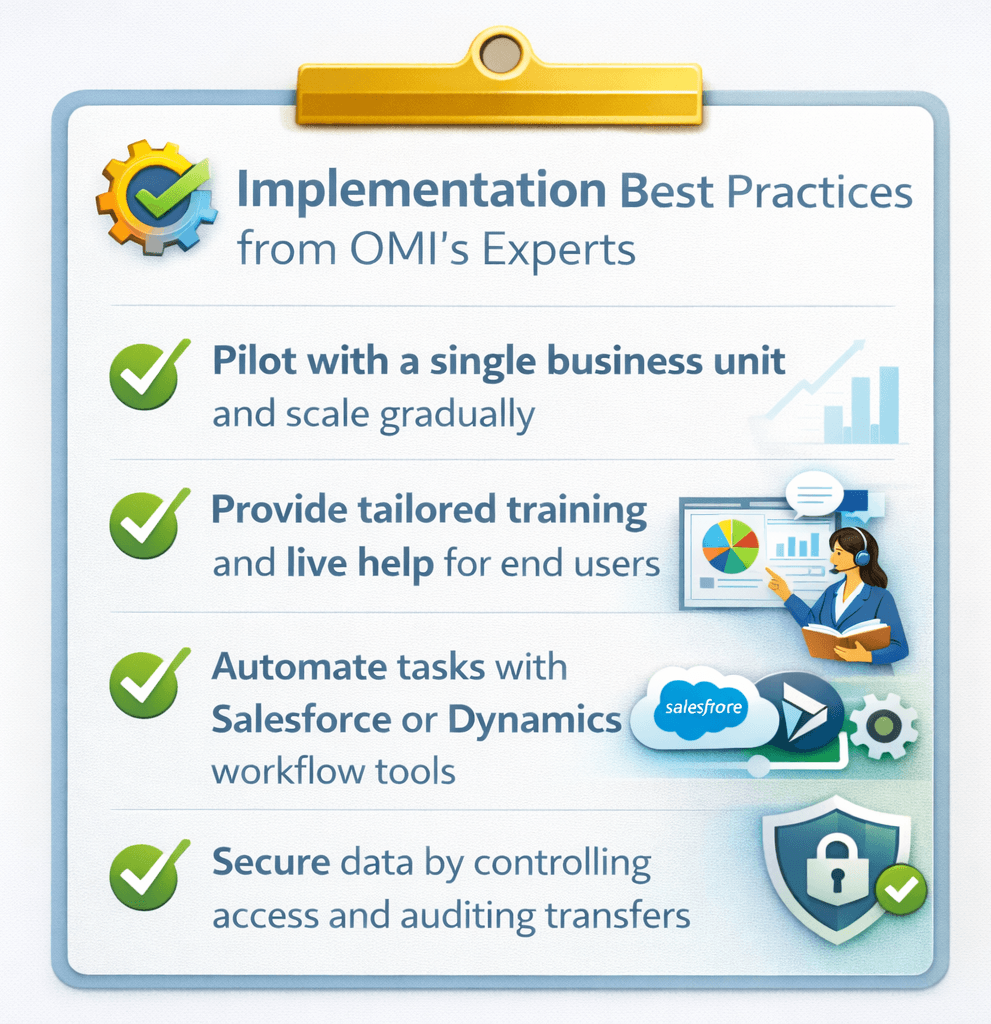
- Start Small and Scale: Pilot integrations with a single business unit, measure impact, and extend gradually to organization-wide analytics.
- Emphasize User Training: Equip end users with tailored documentation and live help so they extract maximum value from new dashboards.
- Automate Where Possible: Automation reduces manual errors and speeds up reporting. Use workflow tools in Salesforce and Dynamics to trigger updates or notifications.
- Focus on Security: Ensure compliance with regulatory standards by controlling field- and record-level access, and regularly audit data transfers.
OMI’s Approach in Action
With nearly 30 years in CRM enablement, we’ve seen clients in industries as diverse as non-profit, SaaS compliance, and manufacturing transform their analytics capabilities by deploying holistic pipelines. One packaging company, for example, rapidly unlocked self-serve dashboards by integrating Salesforce and Dynamics data via Flowgear, supporting more proactive sales strategies and improved customer segmentation.
Conclusion
Bridging the worlds of Salesforce and Microsoft Dynamics with a mature analytics pipeline can deliver game-changing business intelligence for mid-sized enterprises. By investing in sound integration, robust governance, and powerful BI tooling, you empower every user, from the C-Suite to the front lines, to act on real-time insights rather than intuition.
If your organization is ready to build a future-proof analytics engine or simply wants to get more from your existing CRM data, don't hesitate to contact OMI. Our specialty is delivering managed CRM services that fit your business realities and ambitions.
Frequently Asked Questions (FAQs)
- What’s the best way to integrate Salesforce and Microsoft Dynamics data for analytics? The optimal approach depends on existing architecture and data volumes. For most mid-sized firms, leveraging middleware for ETL and scheduling automated data syncs achieves the right blend of flexibility and maintainability. OMI guides clients through the integration path that best matches their business size, compliance needs, and resources.
- How does OMI support CRM optimization and business intelligence? We offer a full suite of managed services, from business consulting and technical integration to workflow automation and analytics customization. With certified Salesforce and Dynamics expertise, our teams tailor every pipeline to support operational objectives, ensuring data consistency and end-user satisfaction.
- Why is data cleansing so critical in developing analytics pipelines? Without robust cleansing and quality processes, analytics outputs risk reflecting duplicates, outdated entries, or inconsistencies between systems. This undermines trust in dashboards and, ultimately, decision making. OMI helps establish and automate these processes so leaders always act on reliable insights.
- Can OMI help with training our team on new analytics tools? Absolutely. Beyond system implementation, our managed services include end-user training and continuous support, ensuring teams quickly adopt new reports, dashboards, and analytics best practices. We believe learning is a critical part of realizing technology’s full value.
- How do I ensure security and compliance when integrating data from multiple cloud CRMs? We guide clients in defining granular access roles, encrypting sensitive data, and auditing integrations regularly to align with regulatory demands. Security is never an afterthought, it’s a pillar of our integration methodology.